Deleting your account
Deleting your account in the web app, in the apps, or without signing in.
On this page
There are three ways to delete a Documont account.
Web app#
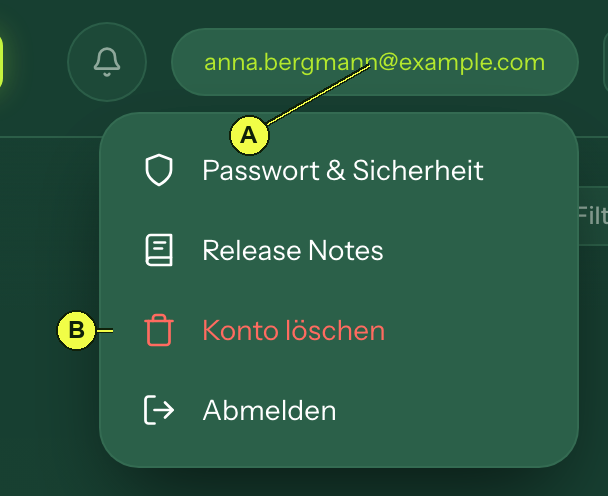
(A) Open the menu.
(B) Choose “Delete account”.
App (iPhone, Android)#
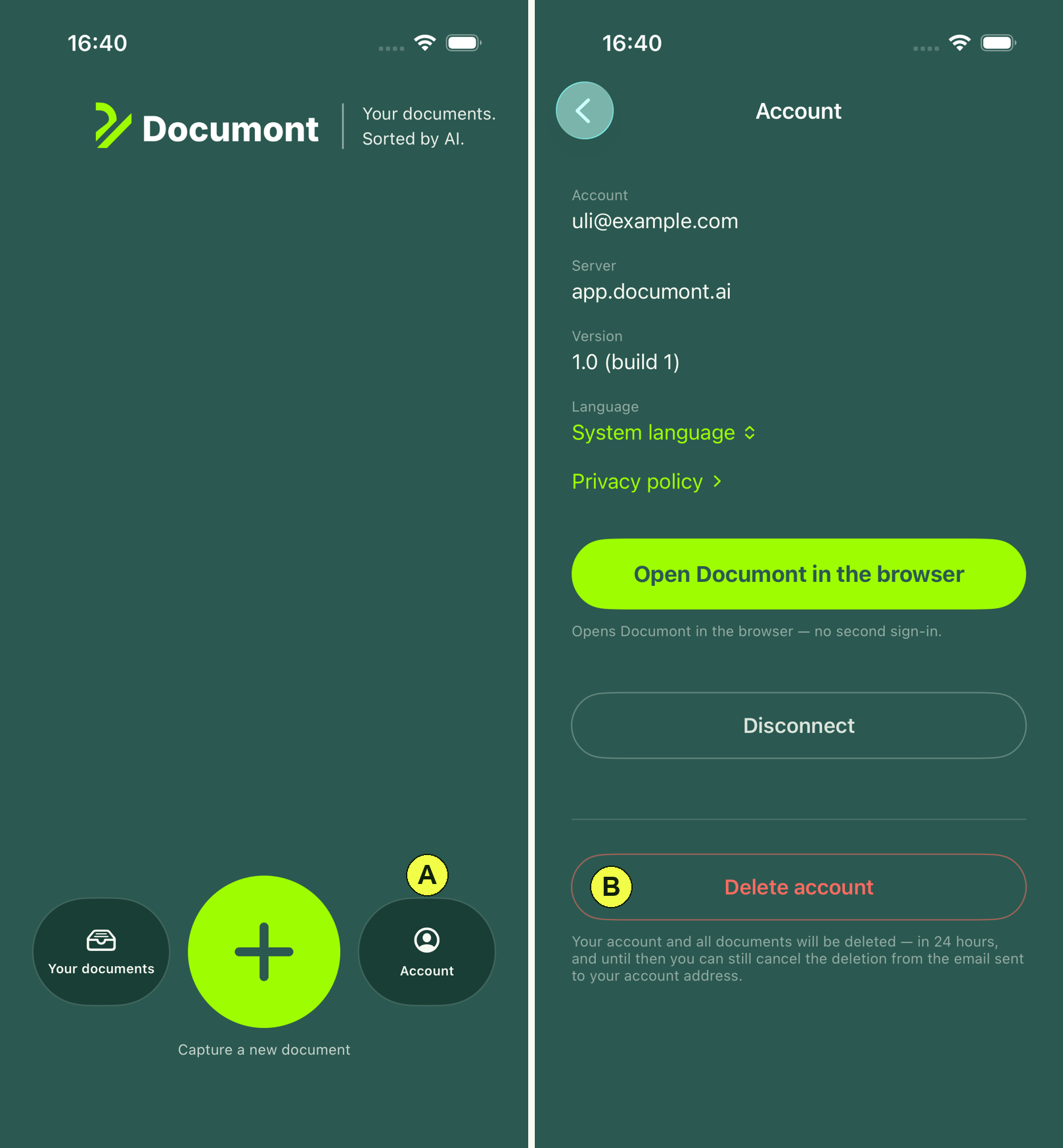
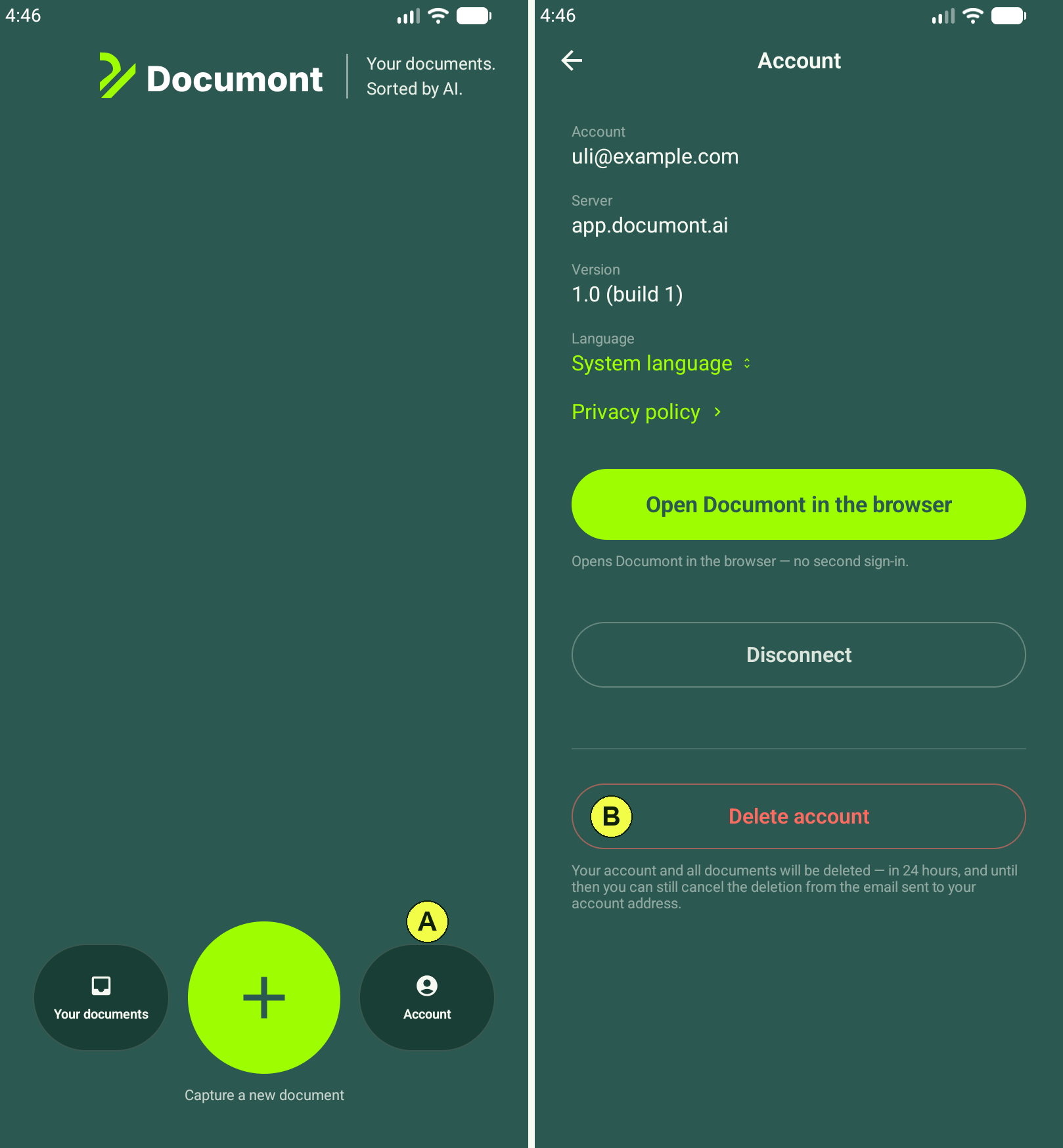
(A) Open “Account”.
(B) Choose “Delete account”.
Without signing in#
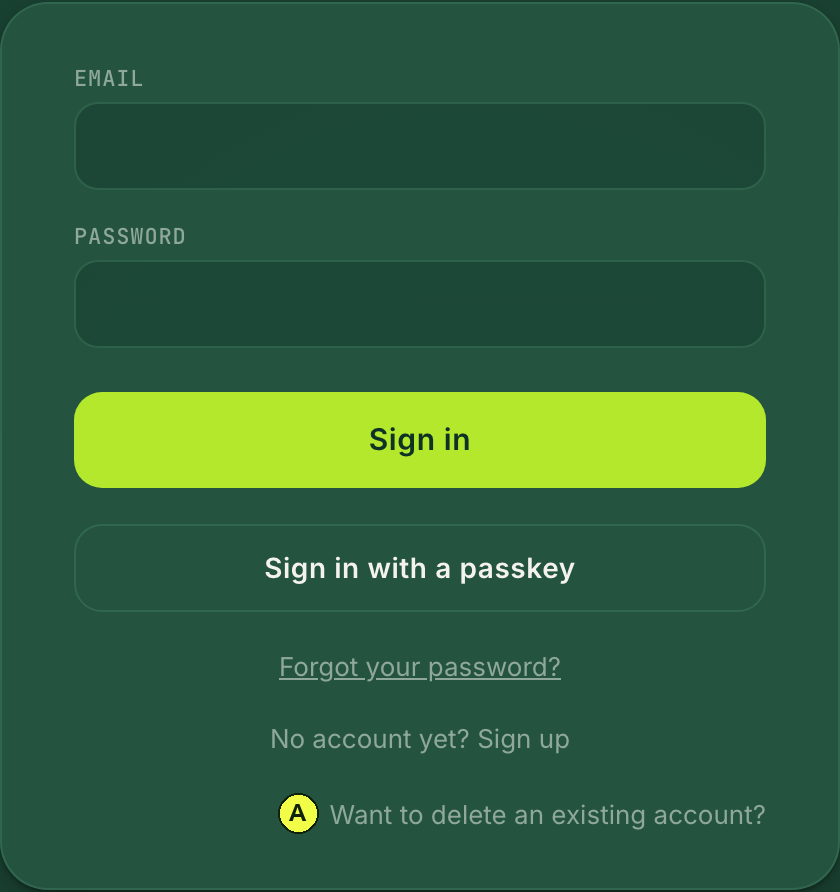
(A) “Want to delete an existing account?” opens the account deletion form.
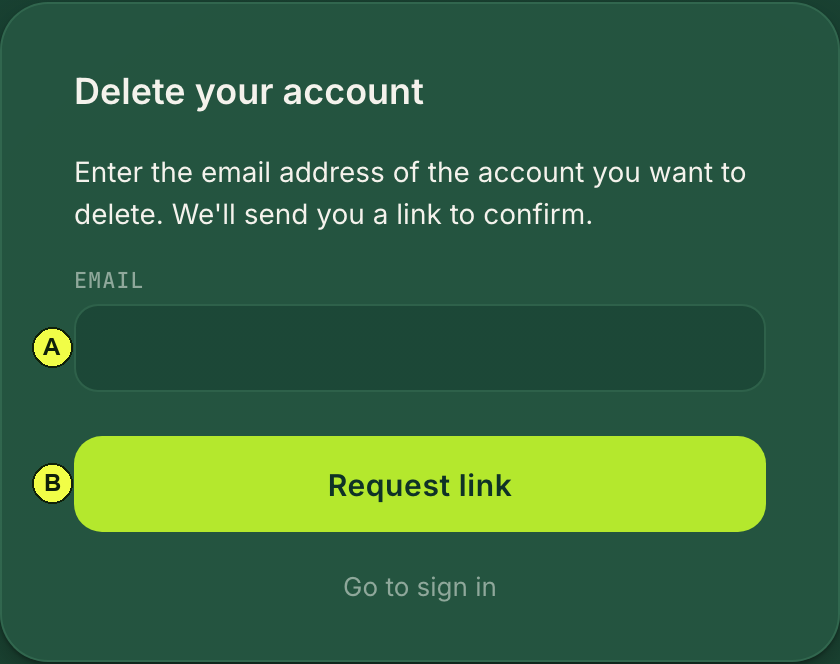
(A) Enter the email address of the account.
(B) “Request link”. If an account exists for that address, you will receive an email with a link to confirm. The link is valid for one hour.
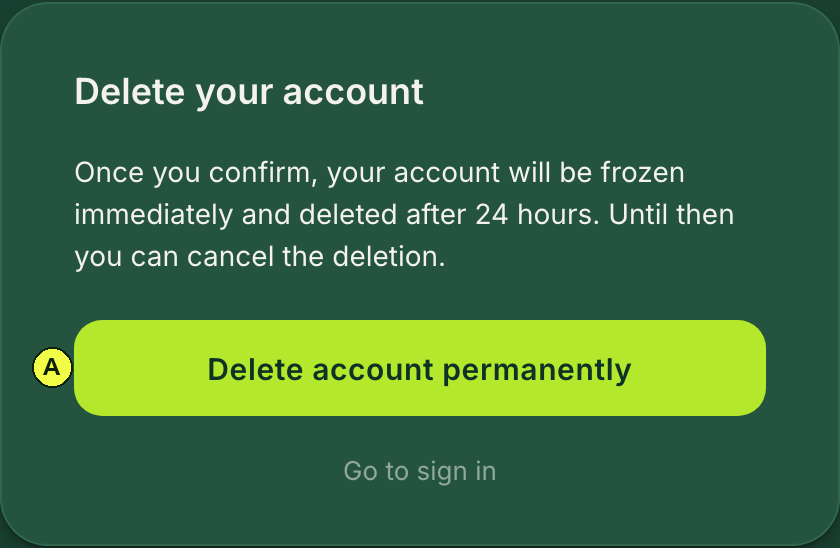
(A) “Delete account permanently” confirms the deletion.
After you confirm#
- The account is frozen immediately.
- You will receive an email. For 24 hours you can cancel the deletion using the link in that email or by signing in.
- After that, the following are deleted: documents with their files, previews and recognized text, correspondents, mailbox connections including their credentials, your key, and finally the account itself.
- What remains is a deletion record without name or email address. Your data disappears from logs and backups after the retention periods stated in the privacy policy.
See also: Privacy policy